


Understanding Crypto.com Withdrawals
Crypto.com lets you pull out crypto or fiat money. Crypto goes to wallets. Fiat goes to banks. Times differ based on type. Know the basics to set expectations.
Crypto withdrawals use blockchains. They confirm on networks like Bitcoin or Ethereum. Fiat uses bank systems. These include ACH for US dollars or SEPA for euros.
Crypto Withdrawal Times
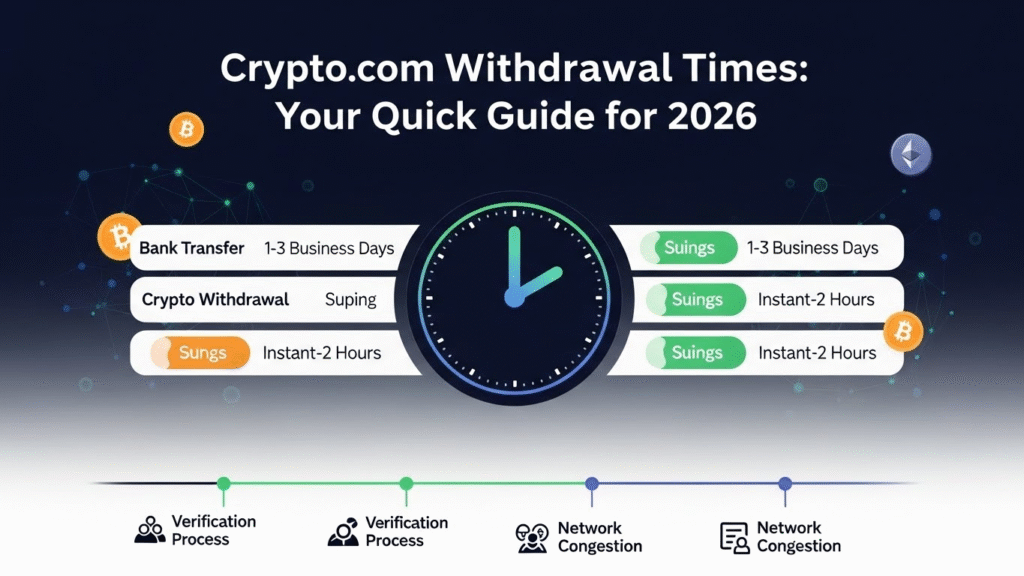
Crypto moves from Crypto.com to external wallets. Most take 2 to 3 hours. This includes processing and network confirmation.
- Bitcoin: Up to 2 hours, plus blockchain wait for 3 confirmations.
- Ethereum or USDC: Minutes to hours, based on gas fees and traffic.
- Other coins like XRP: Often under 30 minutes with low congestion.
To app: Instant if within Crypto.com.
Fiat Withdrawal Times
Fiat takes longer due to banks. Expect 1 to 5 business days. Weekends do not count.
- US (ACH): 1 to 3 days.
- Europe (SEPA): 1 to 2 days; instant for some banks.
- UK (Faster Payments): Same day if before cutoff.
- International (SWIFT): 3 to 5 days.
First-time pulls may add 24 to 48 hours for checks.
Factors That Affect Withdrawal Speed
Several things change times.
- Network load: High traffic slows crypto.
- Security steps: New addresses need whitelisting, up to 48 hours.
- Bank rules: Holidays or name mismatches cause holds.
- Amount size: Large sums trigger reviews.
- Region limits: Some areas restrict methods.
Track status in the app. Use transaction IDs for blockchain checks.
Step-by-Step: How to Withdraw Crypto
Follow these for smooth crypto pulls.
- Log in to the app or site.
- Go to Wallet.
- Pick the coin.
- Select Withdraw to external.
- Add and whitelist address if new.
- Enter amount and network.
- Confirm with 2FA.
- Wait for email or app notice.
Double-check addresses. Wrong ones lose funds forever.
Step-by-Step: How to Withdraw Fiat
For bank transfers.
- Complete KYC if not done.
- Link bank in app.
- Sell crypto to fiat wallet if needed.
- Open fiat wallet.
- Choose Withdraw to bank.
- Pick method like ACH or SEPA.
- Enter amount.
- Verify details and 2FA.
- Submit and monitor.
Deposit from the same bank first to avoid rejects.
Fees and Limits
Fees vary.
| Type | Fee Range | Minimum Withdrawal | Daily Limit |
|---|---|---|---|
| Crypto (e.g., BTC) | 0.0001 to 0.001 BTC | Varies by coin | Up to $100,000 |
| Fiat (ACH) | Free or low | $20 | $50,000 |
| Fiat (SEPA) | Free | €20 | €100,000 |
| Fiat (SWIFT) | $25+ | $100 | $1,000,000 |
Check app for current rates. Limits rise with verification level.
Common Issues and Fixes
Withdrawals can pend.
- Reason: Security review or bank delay.
- Fix: Contact support via app chat.
If rejected:
- Check name match.
- Verify bank link.
- Wait out holds.
User reports on forums show most resolve in days.
Tips for Faster Withdrawals
Plan ahead.
- Use low-traffic times for crypto.
- Pick instant methods like SEPA Instant.
- Whitelist addresses early.
- Keep amounts under review thresholds.
- Monitor app alerts.
FAQ
Why is my withdrawal pending? It may need manual check. Wait 24 hours, then contact support.
Can I cancel a withdrawal? Yes, if not processed. Go to history in app.
How do I track my withdrawal? Use TxID for crypto on explorers. App shows fiat status.
What if funds do not arrive? Check bank statements. Support can trace.
Are there ways to speed up fiat? Use same-day options in supported regions.
Final Thoughts
Crypto.com withdrawals work well with planning. Crypto is quick for digital moves. Fiat needs patience for bank ties. Stay informed on rules. This keeps your funds safe and on time.

